
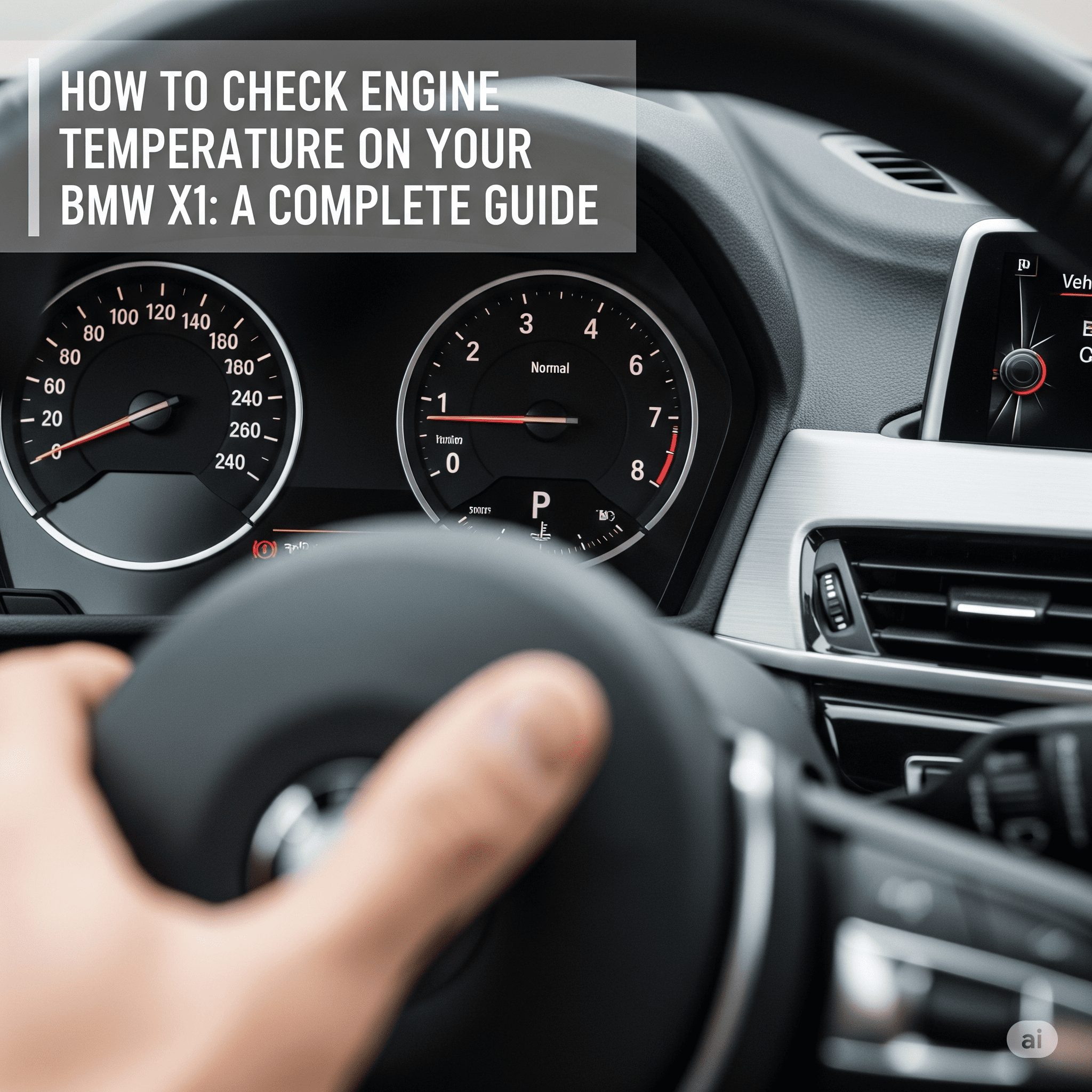
Monitoring your engine temperature is essential for every BMW X1 owner to avoid overheating and potential damage. The engine operates at high temperatures, and while your vehicle is designed to handle heat efficiently, any disruption in the cooling system can lead to serious issues.
Overheating in a BMW X1 can result in engine misfires, reduced fuel efficiency, warped cylinder heads, or even complete engine failure if left unchecked. That’s why keeping an eye on your engine’s temperature not only ensures smooth performance but also extends the life of your vehicle. In this guide, we’ll walk you through the exact steps to check your engine temperature in the BMW X1, helping you stay one step ahead of potential problems.
Why Engine Temperature Matters in a BMW X1
Your BMW X1’s engine operates best within a specific temperature range typically between 195°F to 220°F (90°C to 105°C). Maintaining this optimal temperature ensures efficient fuel combustion, smooth engine performance, and reduced wear on engine components.
If the engine overheats, it can cause significant damage such as warped cylinder heads, gasket failure, or even total engine breakdown. On the other hand, if the engine runs too cool for prolonged periods, it may lead to poor fuel economy, increased emissions, and ineffective cabin heating. Both extremes can affect engine health and longevity.
Modern BMW X1 models are equipped with advanced temperature sensors and electronic control units (ECUs) that continuously monitor engine conditions. If the temperature rises beyond safe limits, the system triggers dashboard warning lights or messages. Some models may even activate limp mode, reducing engine power to protect critical components. These smart systems help prevent overheating, but it’s still crucial for drivers to know how to manually check and monitor engine temperature as an added layer of protection.

Methods to Check Engine Temperature in BMW X1
Knowing how to check your BMW X1’s engine temperature can help you prevent costly repairs and improve vehicle safety. Depending on your model year and equipment, there are several ways to access this vital information.
a. Using the Instrument Cluster (Hidden Menu)
Many BMW X1 models come with a hidden diagnostic menu in the instrument cluster, allowing drivers to view real-time engine data, including the temperature.
Here’s how to access it:
- Insert the key and turn the ignition to position one (do not start the engine).
- Press and hold the trip odometer reset button until the display shows a menu with a number like “01.”
- Tap the button repeatedly until you see “19.0” (Unlock).
- Hold the button until it shows “Enter Code.”
- Add the last five digits of your VIN, then press and hold again to unlock.
- Scroll through the menu to find “07.00 Coolant Temp” or similar.
- The temperature will be displayed in Celsius.
This method provides a precise, real-time temperature reading and is especially useful for older models without digital display features.
b. Using iDrive System (If Available)
Newer BMW X1 models equipped with the iDrive infotainment system may allow you to monitor vehicle status, including engine temperature, via the screen.
To check:
- Turn on the vehicle and press the iDrive controller.
- Navigate to Vehicle Info > Vehicle Status.
- Look for a submenu that might include engine temperature or coolant temperature.
Please note that not all X1 variants display temperature data via iDrive. If unavailable, rely on the hidden menu or dashboard indicators.
c. Manual Dashboard Indicators
While BMW no longer includes traditional analog temperature gauges in most new models, the dashboard warning lights are still crucial.
- A blue thermometer icon means the engine is too cold—drive gently until it warms up.
- A red thermometer icon or warning message means the engine is overheating—pull over immediately and turn off the engine.
These indicators provide a quick visual cue, but they don’t give you exact temperature readings. They are best used in conjunction with the other methods for complete engine monitoring.
Signs Your BMW X1 May Be Overheating
Recognizing the early signs of engine overheating can save your BMW X1 from serious and expensive damage. Whether you’re driving in city traffic or on a long road trip, staying alert to these BMW X1 overheating symptoms is essential for safe and smooth driving.
1. Steam or Burning Smell from the Hood
If you notice white steam rising from under the hood or a burning rubber or oil smell, it’s a strong indicator that your engine is overheating. This often results from hot coolant escaping the system or components under extreme heat.
2. Temperature Warning Light Turning Red
Modern BMWs are equipped with a digital temperature gauge or warning light. If the engine temperature warning BMW X1 light turns red or you receive a dashboard alert, it’s a clear sign of overheating. You should stop the vehicle immediately to prevent further damage.
3. Coolant Loss or Boiling Sounds
Overheating often leads to coolant leaks, which may leave puddles under the car. Additionally, if you hear boiling or hissing sounds when the engine is running or right after you shut it off, your coolant may be too hot or under pressure.
4. Reduced Engine Power or Limp Mode
To protect itself, the BMW X1 may automatically reduce engine power or go into limp mode when overheating is detected. This safety feature limits acceleration and performance until the engine cools down or is serviced.
If you observe any of these symptoms, it’s crucial to stop driving, let the engine cool, and have your BMW X1 inspected by a professional mechanic. Ignoring these signs can lead to engine failure or permanent damage.
What to Do If Your Engine Temperature Is Too High
If you notice that your BMW X1 engine temperature is too high, quick action is essential to avoid lasting damage. Overheating can be caused by low coolant levels, a faulty thermostat, radiator issues, or a failing water pump.
Immediate Steps to Take When the Engine Overheats
- Pull Over Safely: As soon as it’s safe, stop the vehicle and turn off the engine to let it cool.
- Turn Off the A/C: If stopping isn’t immediately possible, switch off the air conditioning and turn the heater on full blast. This may help transfer heat away from the engine.
- Open the Hood (With Caution): Once the engine has cooled down (usually after 15–30 minutes), open the hood to release trapped heat.
When to Call a Mechanic vs. Self-Inspection
- Call a Mechanic If:
- The temperature warning light remains on after cooling.
- You see coolant leaking or steam coming from the engine.
- The vehicle enters limp mode and won’t return to normal operation.
- The temperature warning light remains on after cooling.
- You Can Attempt a Self-Inspection If:
- The engine has cooled down and there are no obvious leaks.
- You have basic automotive knowledge and tools.
- You want to check coolant levels or inspect hoses for cracks.
- The engine has cooled down and there are no obvious leaks.
Safety Tips
- Never open the radiator cap while the engine is hot. Doing so can result in serious burns from pressurized steam or boiling coolant.
- Keep a pair of gloves and a towel in your vehicle for emergency checks.
- Always top up the coolant with the correct type recommended for your BMW X1.
Taking these steps promptly and safely can protect your engine and save you from expensive repairs down the road.
How to Prevent Overheating in BMW X1
While modern BMWs are built with advanced temperature monitoring systems, preventive maintenance is still the best way to avoid overheating issues. Keeping your BMW X1 in top shape not only ensures performance but also extends engine life and saves you from unexpected repair bills.
1. Regular Coolant Checks and Top-Ups
Coolant (also called antifreeze) plays a critical role in regulating engine temperature. Check the coolant reservoir level regularly and top it up with the recommended BMW coolant if it’s low. Always check levels when the engine is cool to avoid injury.
2. Maintain Radiator and Thermostat Health
The radiator dissipates heat from the engine, while the thermostat regulates coolant flow. A clogged radiator or a stuck thermostat can cause the engine to overheat. Schedule periodic inspections or flushes to keep these components clean and functioning properly.
3. Inspect Water Pump and Hoses
The water pump circulates coolant throughout the engine. If it fails, the engine temperature can spike rapidly. Similarly, cracked or brittle hoses can lead to coolant leaks. Look for any visible wear or signs of leaks during routine checks.
4. Pay Attention to Warning Signs
Subtle symptoms like rising temperature readings, reduced A/C performance, or coolant smell inside the cabin shouldn’t be ignored. Address them early before they turn into more severe BMW X1 overheating problems.
5. Service Your BMW X1 Regularly
Follow the manufacturer’s recommended service intervals for coolant replacement, system flushes, and general inspection. A well-maintained cooling system is your first defense against engine temperature issues.
By staying proactive with these measures, you can confidently prevent overheating and keep your BMW X1 running at optimal temperature, no matter the season or driving conditions.
Conclusion
Understanding how to monitor and manage your BMW X1’s engine temperature is a key part of responsible vehicle ownership. From using the hidden menu to recognizing early overheating symptoms, these steps empower you to take action before a minor issue turns into a costly repair. Always pay attention to warning lights, unusual smells, or performance changes. Regular coolant checks, routine maintenance, and quick responses to engine temperature warnings in your BMW X1 will help keep your vehicle running smoothly and efficiently. If you’re unsure about any engine temperature readings or suspect a problem, don’t hesitate to consult a certified BMW technician. Prevention is always better than a breakdown.
FAQs:
Q1: What is the normal engine temperature for a BMW X1?
The normal operating engine temperature for a BMW X1 typically ranges between 195°F to 220°F (90°C to 105°C). Anything significantly above this range may indicate potential overheating issues.
Q2: Can I drive with high engine temperature in my BMW X1?
No, driving with a high engine temperature can cause severe engine damage. If your BMW X1 overheating warning appears or the temperature gauge is in the red zone, stop driving immediately and allow the engine to cool down before inspecting further or calling a mechanic.
Q3: Does BMW X1 show engine temperature on the dashboard?
Most modern BMW X1 models do not include a traditional temperature gauge. Instead, they rely on digital warnings and alerts when the engine temperature becomes too high. You can also access the hidden diagnostic menu to view the real-time temperature.
Q4: How often should I check the coolant level in my BMW X1?
It’s recommended to check your coolant level at least once a month or before long trips. Make sure the engine is cool before checking or topping up coolant to avoid injury.
Q5: Is there a way to monitor engine temperature while driving?
Yes, you can access the hidden menu in the instrument cluster to monitor your BMW X1’s engine temperature in real time. Some newer models may also display this information via the iDrive system, depending on the trim and software version.